



Quick summary:
If you want a custom looking Shopify store, you don’t need a developer to code a theme from a Figma design. Hire a designer who specializes in Shopify. They can build the store directly in a theme using Horizon, a section library app or a page builder, and you only need a developer for the last 10%.
Someone contacted me recently saying they wanted a custom coded theme. They had a lot of custom sections in mind that you won’t find pre-built in most Shopify themes. Their designer would create the designs in Figma, and they wanted me to code those designs into a Shopify theme based on Dawn.
I haven’t done a project like this in more than a few years, because by 2026 this is an outdated way to build a Shopify store. There are a lot of negatives to custom coding a theme these days, and there are good alternatives.
The downsides of a custom coded theme
Every setting has to be coded
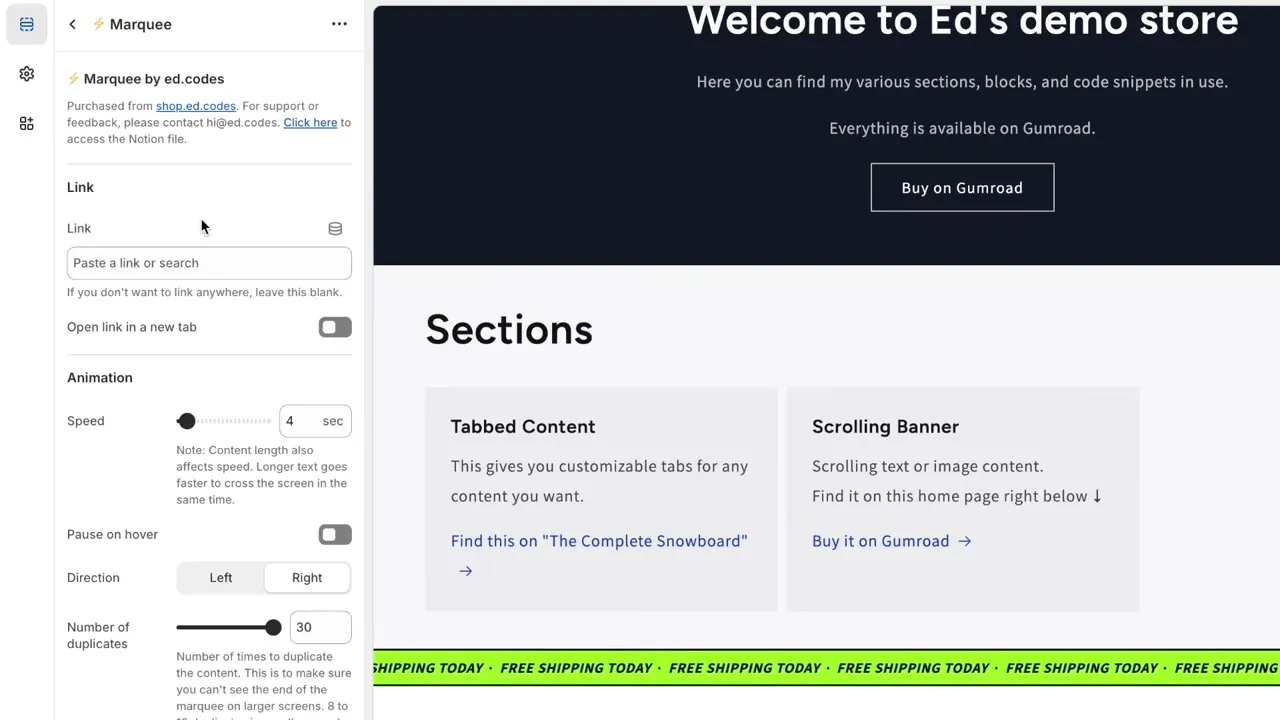
It takes a lot of time and money to develop a theme that you, as the store owner, can then modify yourself.
Think of the settings you see in the sidebar of the theme editor. When I code a section, I need to think about what you might want to change, create an option for each of those things, and write the code for every possible combination of those settings. That takes a long time.
It’s much quicker for me to code something without settings. But then you have to ask me every time you want to change something.
Custom themes on Shopify have always had this problem. Either the developer spends more time making the theme customizable, or you become more reliant on the developer for every change.
Theme updates become difficult
In recent years everyone wants to update their theme more often. Shopify now shows you when the next version of your theme is out, and I think themes are being updated more often as well, with new features all the time.
Staying up to date is very difficult when your theme is fully custom coded. You’re relying on that developer again, this time to move the custom code to the next version. I explained why in how Shopify theme updates work.
Dawn is not the best base anymore
The person who contacted me wanted the custom theme to be based on Dawn. I’d say you shouldn’t base a new theme on Dawn nowadays, because we have Horizon. Horizon is the new default Shopify theme, and it’s much more customizable without code. I compared the two in my post on the free Shopify themes.
What a Shopify designer can do without code
The other big reason I don’t like to custom code a theme is that there are so many good alternatives.
A competent Shopify designer might do part of the work in Figma, but they will also design directly in your Shopify admin, using the options your theme gives them. There are three ways they can build a custom looking store without a developer.
1. Horizon and the Horizon generation themes
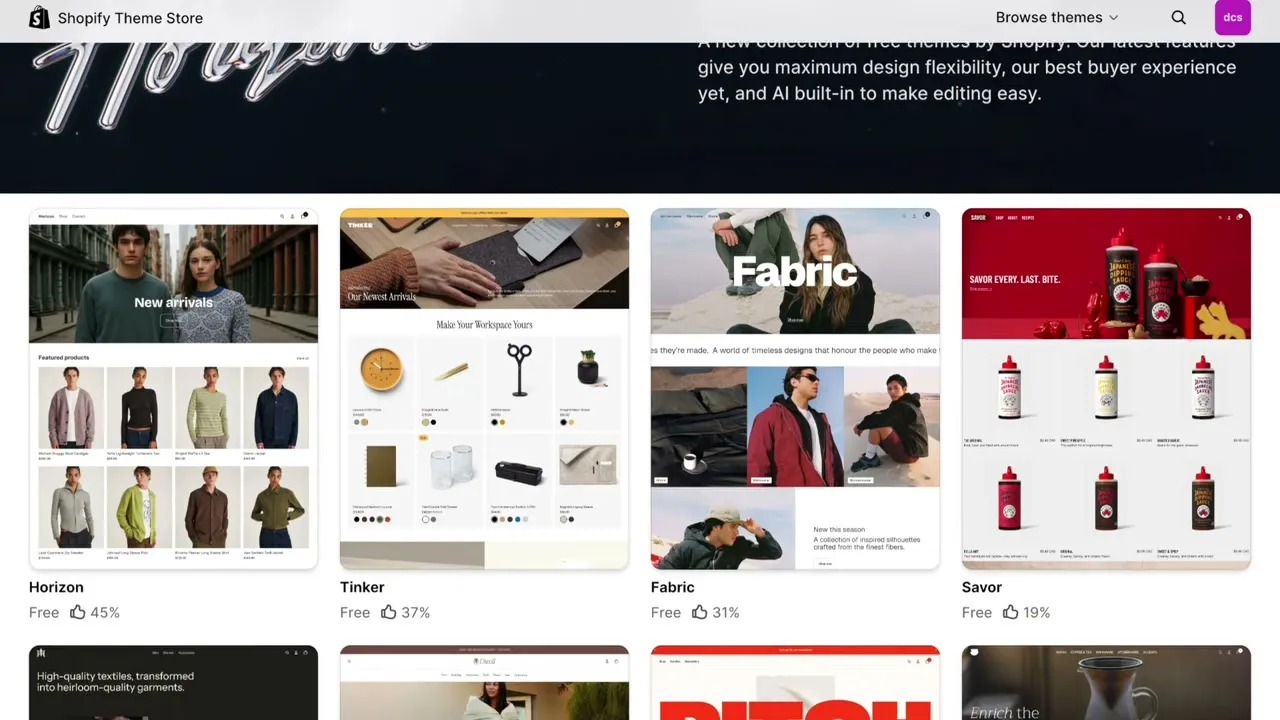
You can go pretty far with the latest themes. Horizon and all the Horizon generation themes were made so that designers can build any layout they want by themselves, without relying on a developer.
2. A theme plus a section library app
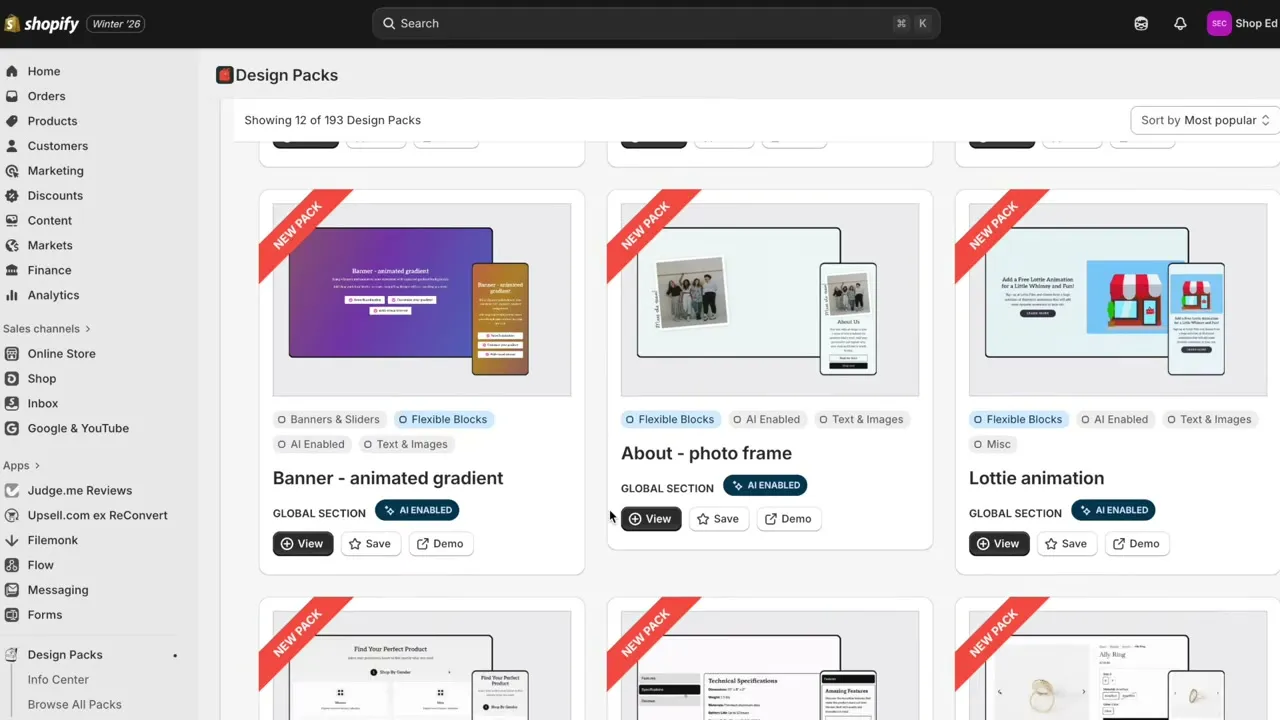
If you’re not using Horizon, you can start with Dawn and add Design Packs. It’s an app that adds custom sections to your theme. Anything Dawn doesn’t have, Design Packs will probably have, and the sections are highly customizable.
Section Store is another app that does the same thing. I’d call both of them section libraries. They are not page builders. They install new sections into your theme. I covered this method in more detail in how to add custom sections without code.
Both are great tools for designers who don’t code. With Dawn and one of these apps, a designer can build a very unique looking store.
3. A page builder, used carefully
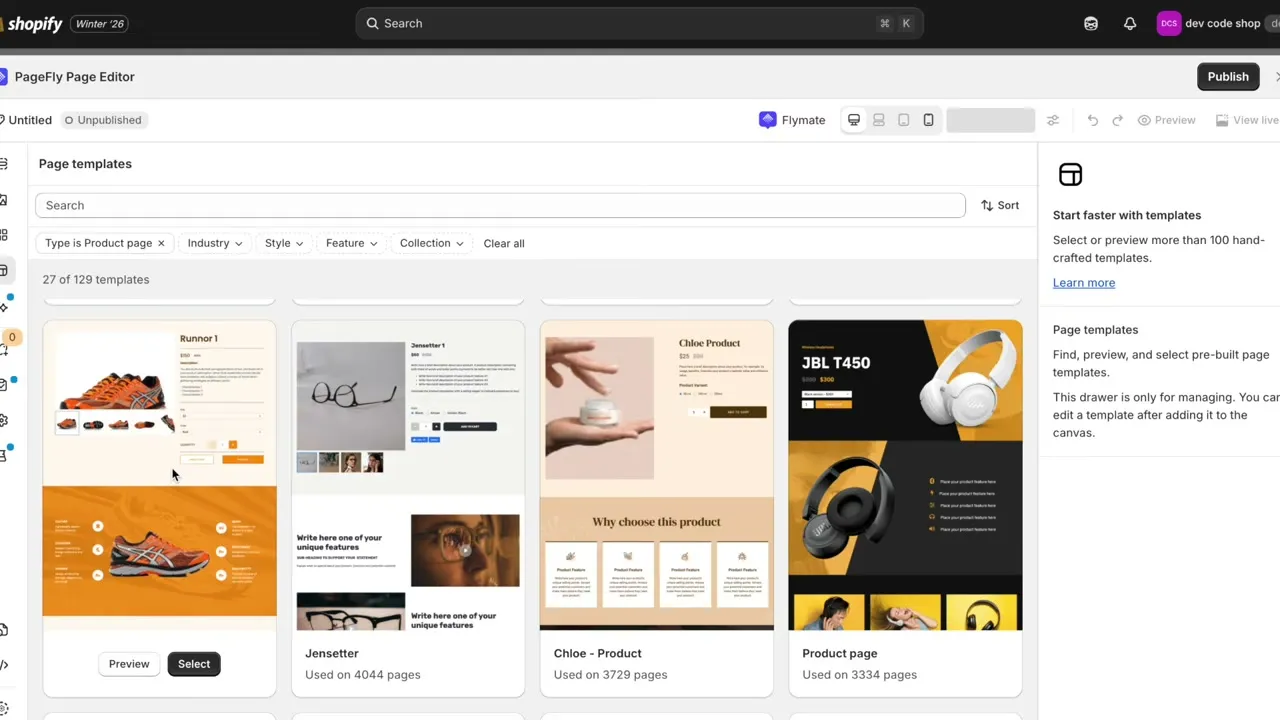
The other option is a page builder. PageFly is the one I’m most familiar with.
A lot of people criticize page builders for slowing down your store, because they load a lot of extra code. That’s partly true, but it also depends on how you design the store inside the page builder.
The things that slow a store down are pop-ups, carousels, sliders and lots of moving, interactive elements. If you build a clean design with minimal interactions, a page builder can stay lightweight. I compared the main ones in Pagefly vs Shogun vs GemPages.
Hire a developer for the last 10%
You can still hire a developer for the final touches, the things the designer wasn’t able to do. Developers are good for custom features. Maybe it’s upsells, or a custom delivery calculator.
You don’t have to guess which parts those are. Your designer will know what they can and can’t do, and will be able to say “we need a developer for this, this and this”. They will probably know a developer they can recommend as well.
How to hire a Shopify designer
So in 2026, don’t get any designer to create a design in Figma and then separately hire a developer to build it. Hire a designer who specializes in Shopify. That means someone who knows the themes (Horizon especially), the apps, the section libraries and the page builders, and has experience using them.
They don’t need coding skills, but they must understand how certain apps and design choices affect performance. A generalist UX/UI designer who doesn’t know Shopify will cost you time and money.
Your safest bet for finding one is a company that vets its freelancers:
- Storetasker has more designers and suits bigger projects. They currently list landing page design from $500 and a branding project from $6,000.
- ShopExperts (previously HeyCarson) is a marketplace where you can browse Shopify designers and compare their reviews and starting prices.
I compared these platforms in more detail, with prices, in my guide on how to hire a freelance Shopify developer.
The app and platform links in this post are affiliate links, so I get a small commission if you sign up. It doesn’t cost you anything extra.
Should you ever custom code a theme?
The only stores that need a fully custom coded design right now are the ones that can afford a developer on retainer. I mean enterprise level stores, probably on Shopify Plus, with a developer on 10 or 20 hours a month to build the theme and then maintain it. Whenever you need a change, they make it for you.
That’s the cleanest and highest quality way to have a fully custom coded theme, but you need that kind of budget.
If you’re a small business, a family business, or Shopify is a side hustle for you, a fully custom coded store is not the way to go. Hire a Shopify designer, use Design Packs, Section Store or the new Horizon theme, and you’ll have a beautiful store.
Hope this helped. See you in the next one!
Ed